


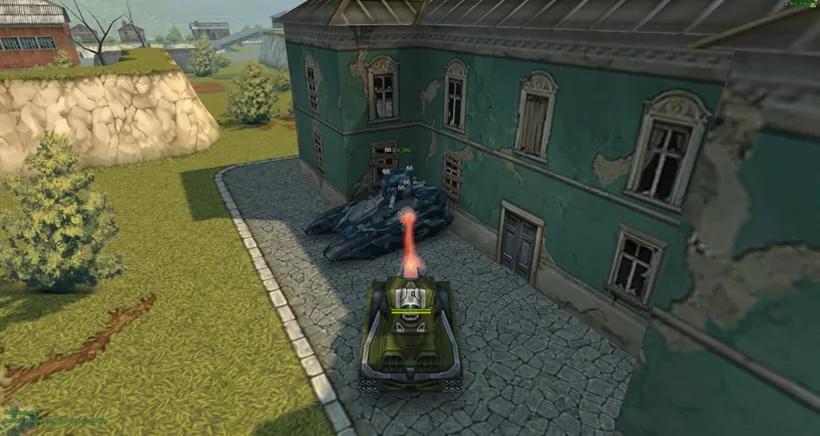


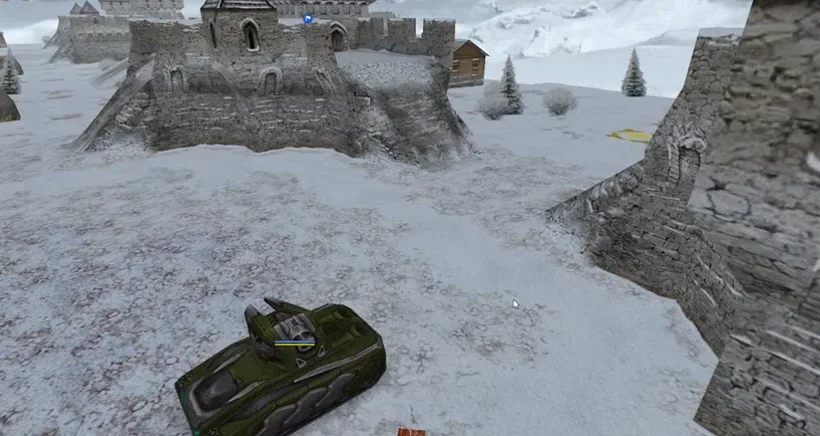



In four steps
- First, download the installer.
It is 117 MB. The rest of the game downloads when you open it.
- Then install it.
Open TankiRewind-Setup.exe and click Install. No administrator needed, and it puts a shortcut on the desktop.
- Open Tanki Rewind.
Windows may warn that the app has no verified publisher: click More info and then Run anyway.
- Log in and go to battle.
Your first login creates the account.
Best of the week
The top three win crystals and premium days.
- KRX4,380 XP
- KaioTank1,580 XP
- iL.O.P.E.Syt1,420 XP
- Bernardo111,400 XP
- JacareTank1,350 XP
See you in battle
Download, install and play. No credit card.
Tanki Rewind for Windows
| File | TankiRewind-Setup.exe |
|---|---|
| Size | 117 MB |
| Version | 1.1.9 |
| System | Windows 10 or 11 |
| Price | Free |
Did Windows or your antivirus block the file?
The installer has no digital signature yet (a paid certificate), so Windows may warn you. The launcher uses Electron, and its ffmpeg.dll is a known false alarm in some antivirus programs. If it happens:
- Blue "Windows protected your PC" window: click More info, then Run anyway.
- Defender quarantined the file: open Windows Security, Virus & threat protection, Protection history, click the item, then Actions and Allow on device. Then install again.
- If it keeps happening: in Windows Security, Exclusions, add the folder
%LOCALAPPDATA%\Programs\TankiRewind.
Still stuck? Talk to us on Discord.
Tanki Rewind for mobile
| System | Android and iOS |
|---|---|
| Price | Free |
Tanki Rewind in the browser
| System | Any browser |
|---|---|
| Price | Free |